Software for recurring service contractors
Your maintenance contracts get scheduled, billed and paid on their own.
For window washing, landscaping, commercial cleaning and snow removal. Requests come in from your website, customers sign the quote online, visits are scheduled for the whole season and every visit done turns into an invoice.
What you still do by hand
Requests come in by phone and get lost in text messages.
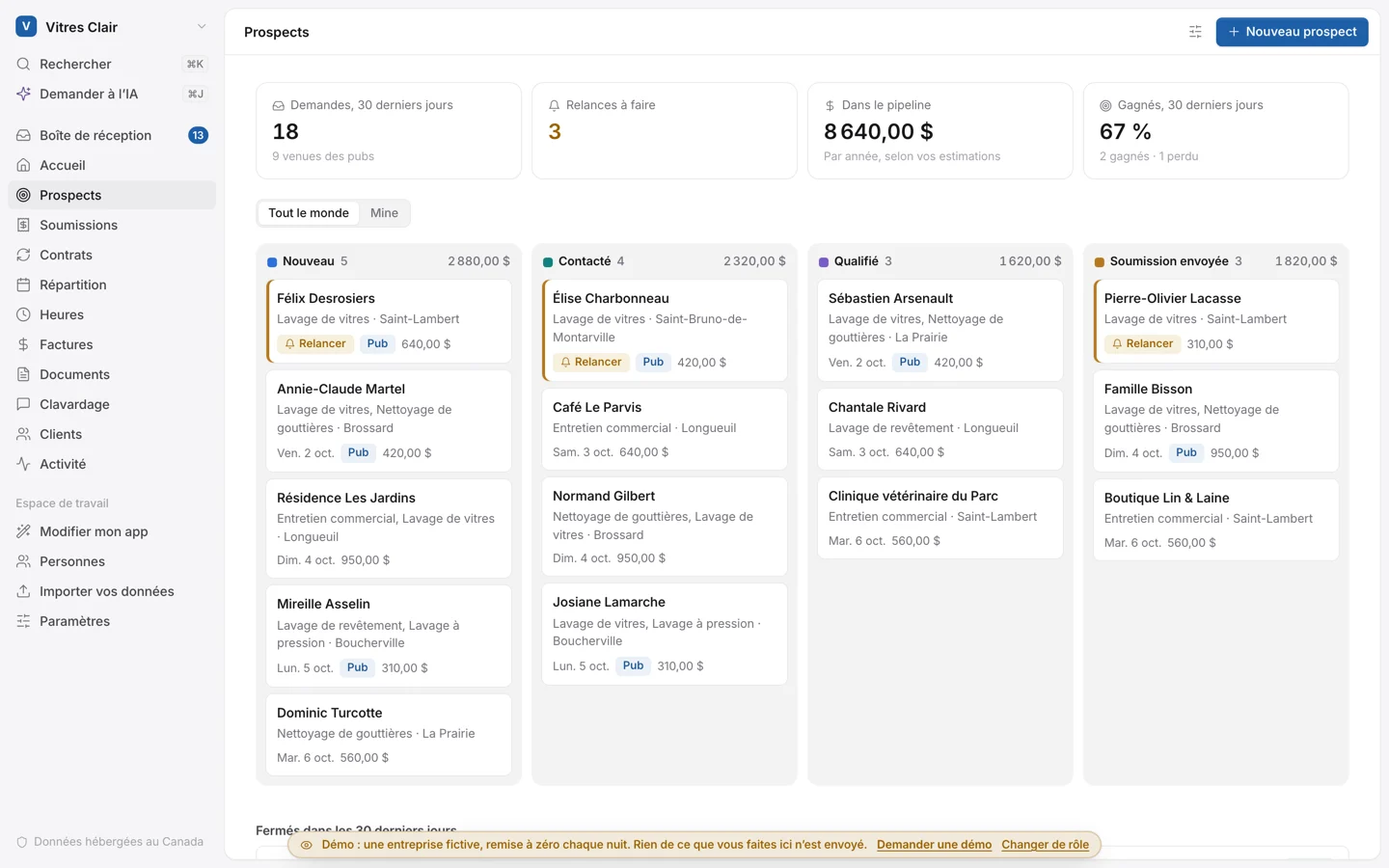
A form on your website and in your ads puts them in your pipeline, with today’s follow-ups.
Quotes are written in Word, then you wait for a signature.
The customer accepts online by typing their name. The contract and its visits are created on their own.
The season’s calendar lives in the boss’s head.
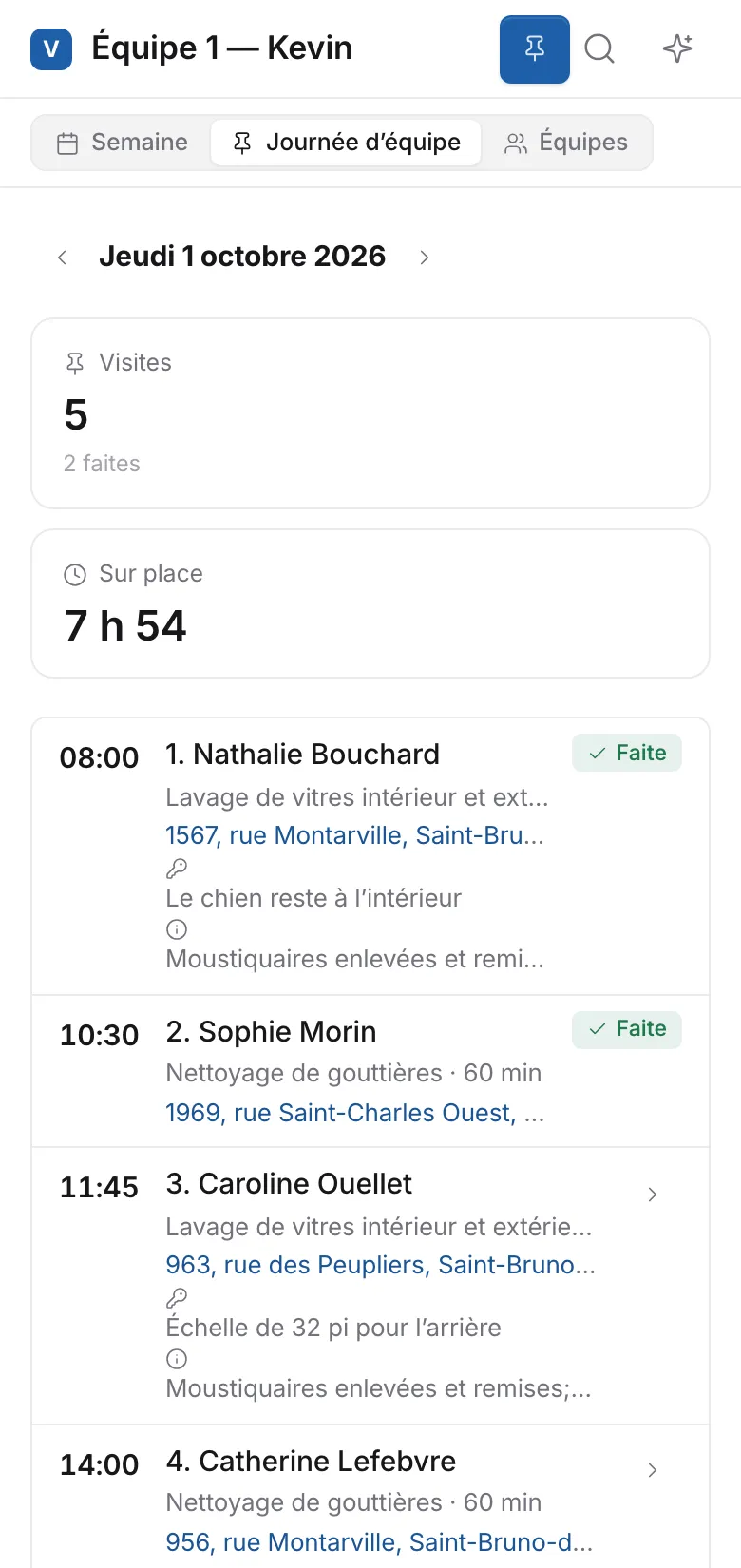
Each crew sees its day on the phone, in order, with the route.
Invoicing happens at night, and you chase payments.
The invoice goes out when the visit is done. The customer pays by card or Interac, and reminders go out on their own.
From the quote request to the payment
One app for the office and the crews on the road. Nothing to install: it opens in the browser, on a computer or a phone.
Quote requests
A form for your website and your ads, and a QR code for the truck. Each request arrives with its campaign.
Quotes signed online
Spring and fall, every two weeks, once: the price per visit, the yearly total and the taxes.
Maintenance contracts
Visits are scheduled three months ahead, and the contract renews on its own at its anniversary.
Crews’ days
Each crew’s week, its day on the phone, the Google Maps route and a reminder to the customer the day before.
Punch-in and hours
Arrival noted on site, timesheets approved, and each contract’s margin on labour.
Invoicing
Numbered invoices with GST and QST, paid online by card or Interac, automatic reminders, cheques noted.
Customer space
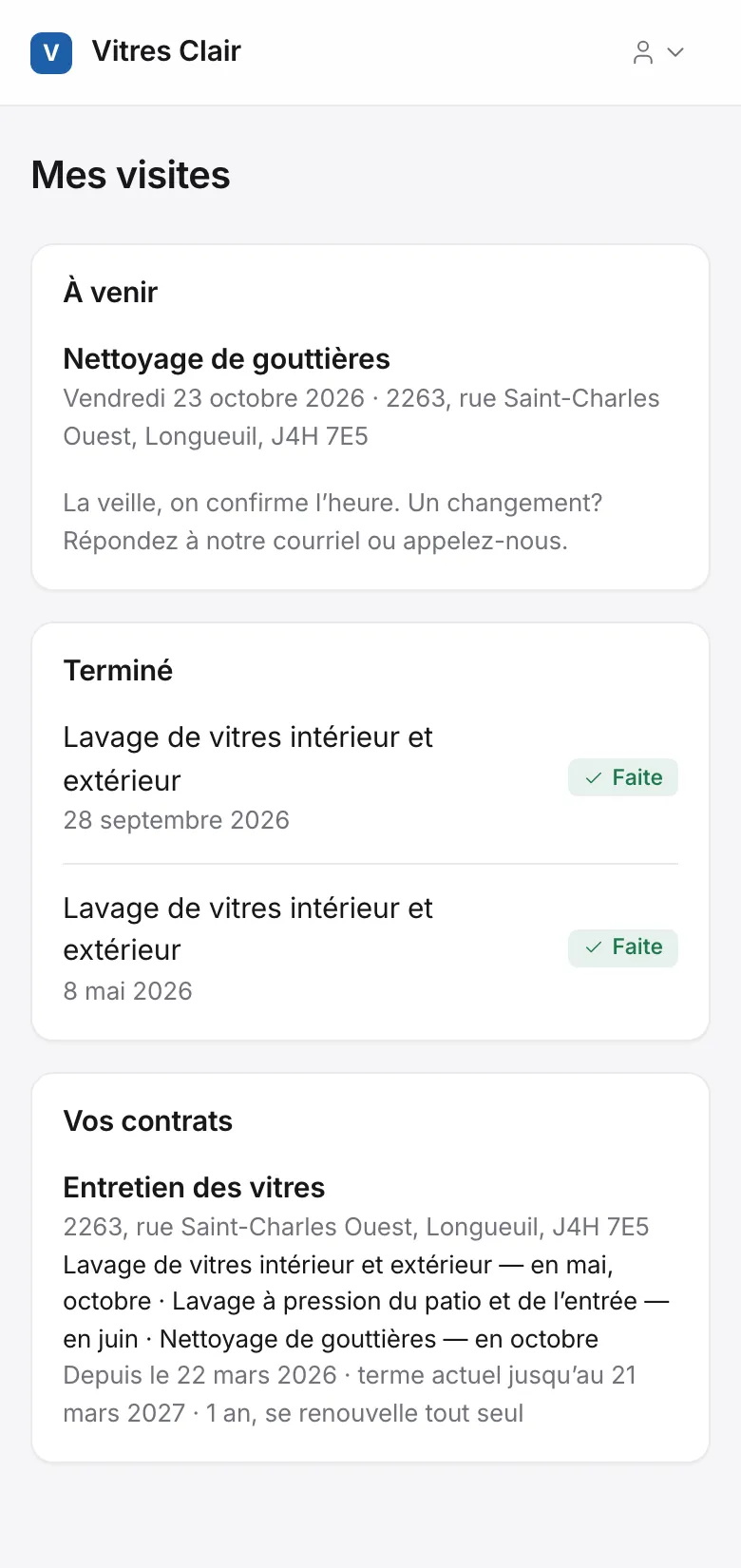
Your customers see their next visits, their contracts and their invoices, without calling you.
Before and after photos
The crew takes them on site; they stay on the visit and in the customer’s file.
What it looks like
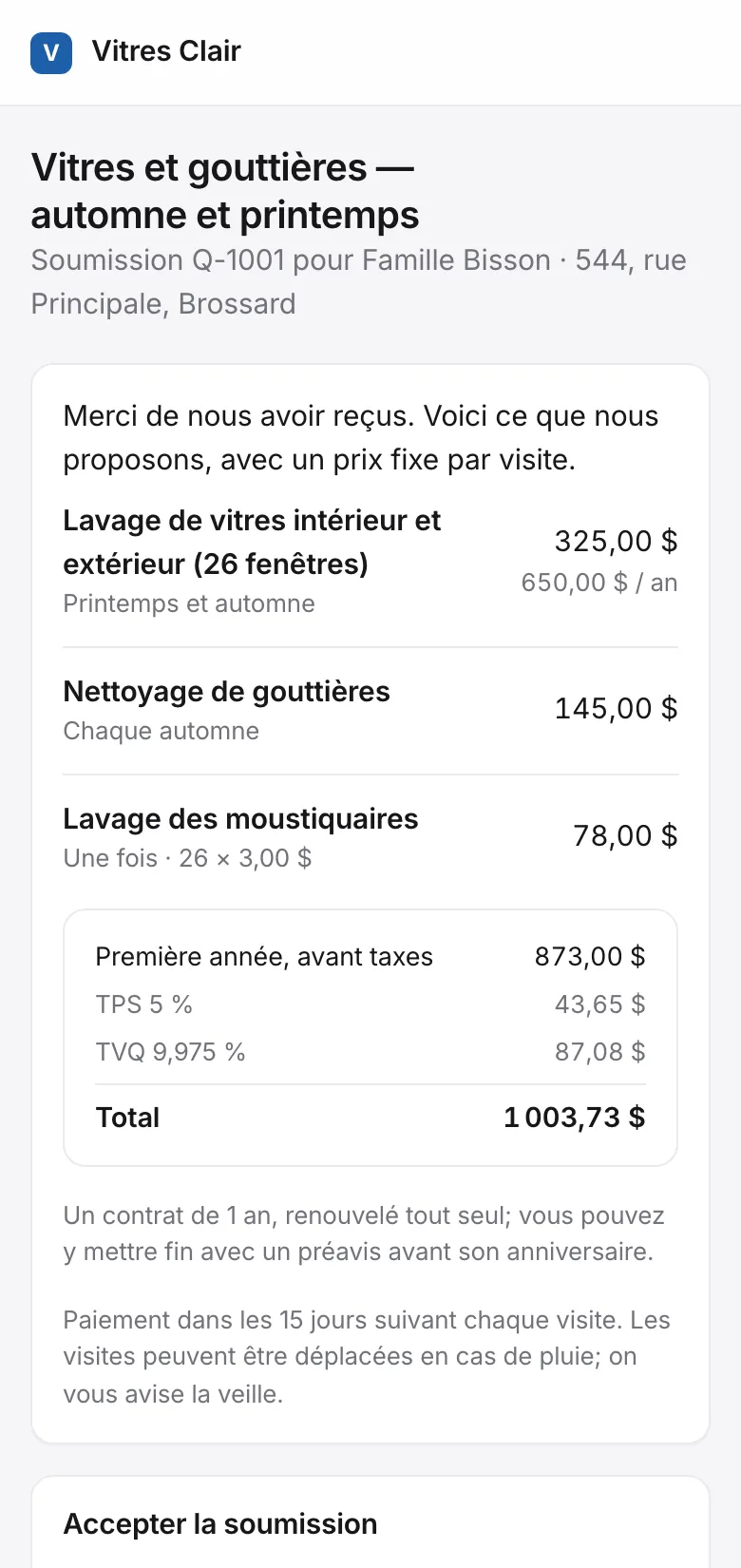
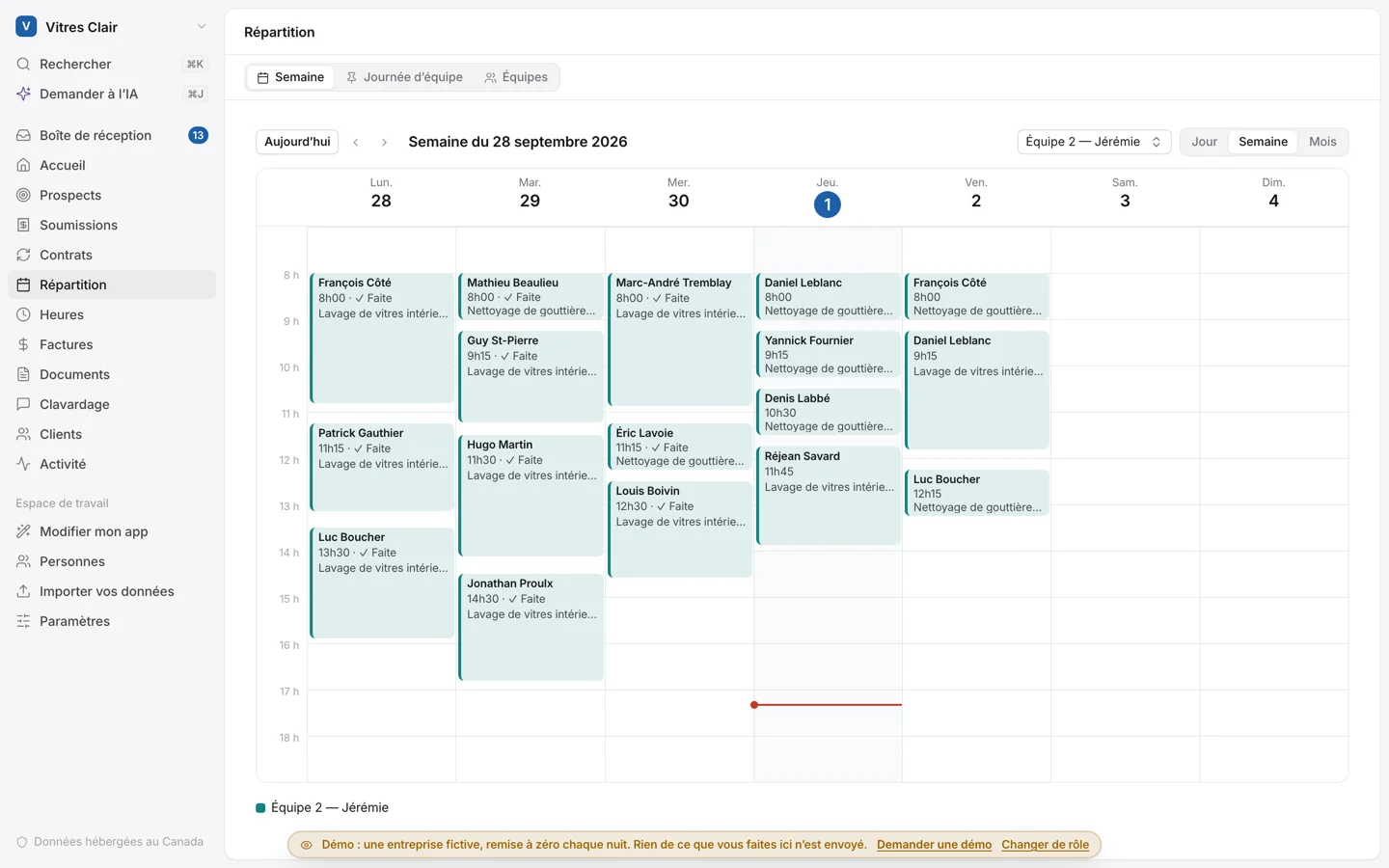
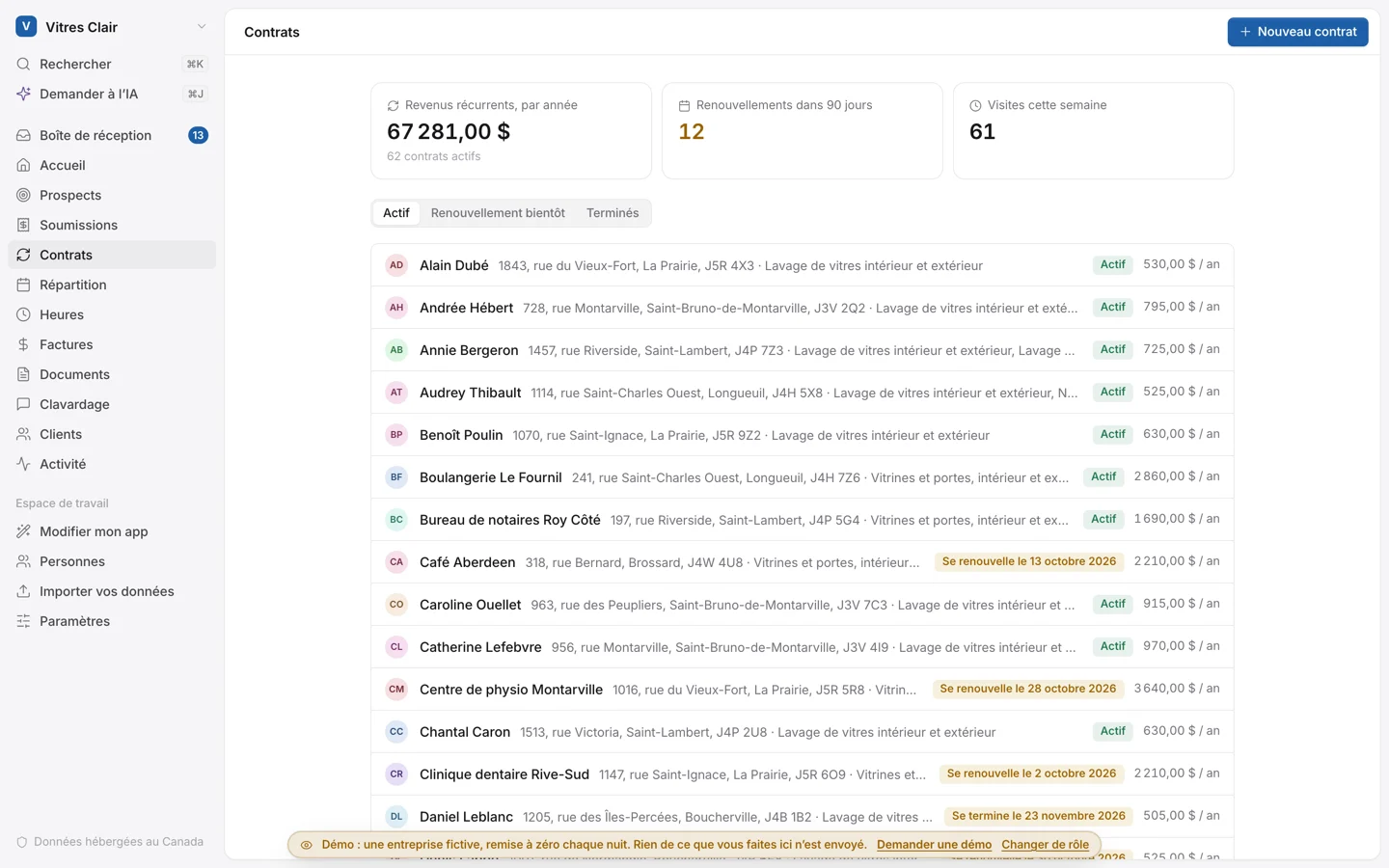
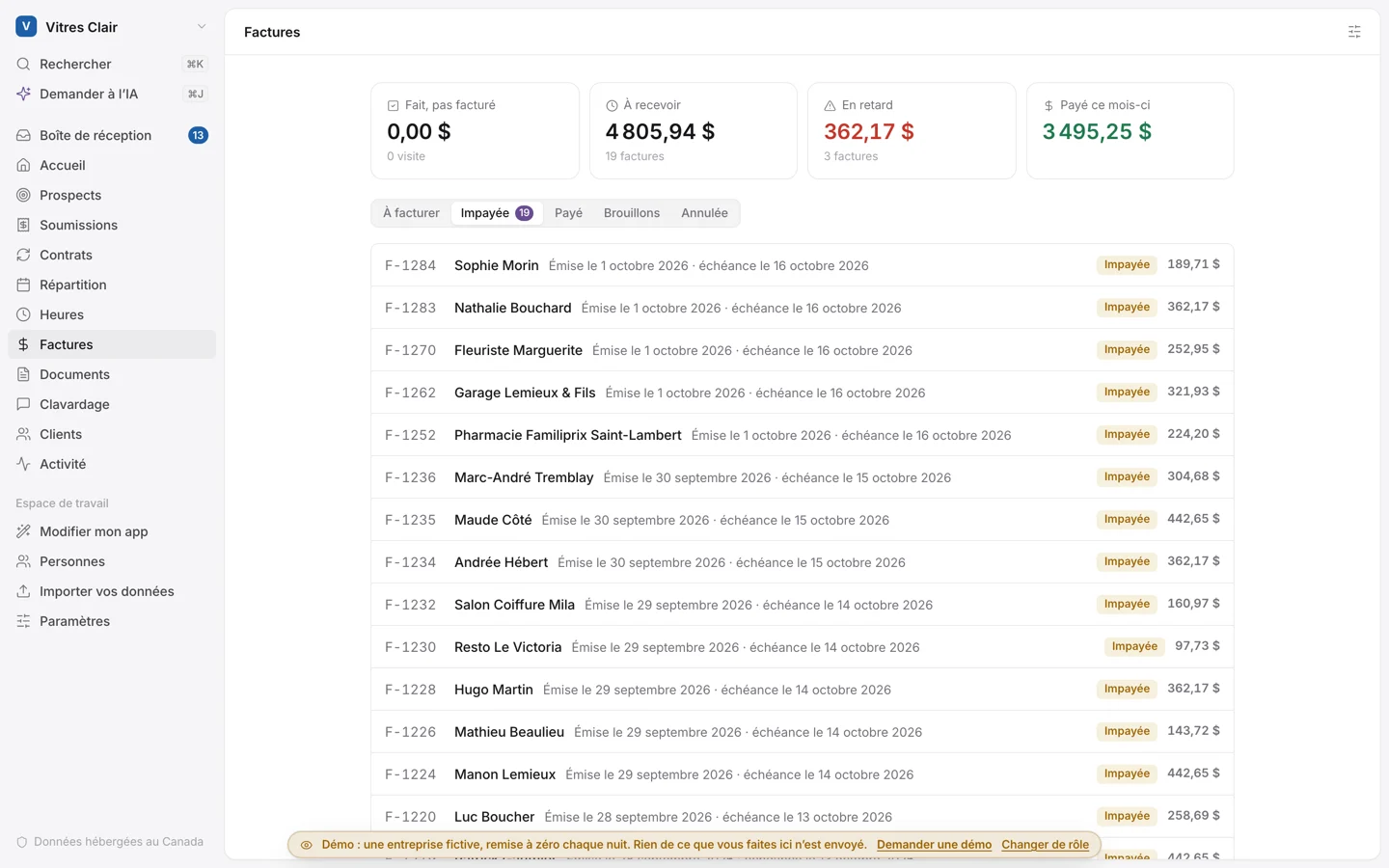
Screenshots of the demo app: the business and the people are made up.
For your customers: fewer calls, more signatures.
Your customers get the quote by email and accept it in a minute. After that, they know when you’re coming and pay their invoices in one click.
- They accept the quote online, with their name as a signature
- They get a reminder the day before each visit
- They see their next visits and their contracts
- They pay by card or Interac e-Transfer
How it starts
- 01
You tell us about your business
Your trade, what you do, the size of your team and what you want to do: four quick steps.
- 02
Your app is ready
With your name and your trade’s modules already turned on. Import your customers from an Excel file and invite your team.
- 03
It grows with you
A rule, a field, a report you’re missing: ask for it in your own words. Niko, your AI assistant, makes small changes right away, and a custom module can be built for bigger ones.
$129 a month. Up to 30 days free.
Plus taxes, with no setup fee. 3 users are included, then it’s $5 per extra user, with no limit. Clients in the portal never count as users. The subscription covers hosting, backups and security. Niko, the app’s AI assistant, comes with 300 credits each month, adding up for up to 3 months. You see your credits in the app, and if you need more, you add more: 100 credits for $10.Recommend Nakelo to another business: you each get $100 of credit once they subscribe.
- Hosted in Canada
- In French and English
- Your data is yours, and you can export it any time
- Tools for Quebec’s Law 25 included
- Card fees go straight to Stripe or Square, in your own account
Frequently asked questions
Does it work for snow removal?
Yes for seasonal contracts: one price for the winter, billed in instalments. Storm-by-storm tracking can be added to fit your business.
Do my employees need a computer?
Nope. Their phone is enough: their day, the route, the photos and punching in.
Can I put the request form on my current website?
Yes: a link, or a block to paste into your site (Wix, WordPress, Squarespace…). There’s also a QR code for the truck and door hangers.
How do my customers pay?
By card, with Stripe or Square in your own account, or by Interac e-Transfer. You can also note a cheque you received.
I already use QuickBooks.
The app can read your QuickBooks customers, invoices and payments. If you want your invoices to go there on their own, a module can be built for your app.
How much does it cost?
$129 a month, 3 users included, $5 per extra user, with no limit, plus taxes, with no setup fee and a 14-day free trial (30 days with the onboarding call). Clients in the portal never count as users. It includes 300 Niko credits a month for the AI assistant, adding up for up to 3 months; more credits are there if you need them.
A question about your business?
Tell us what you do and how you handle your contracts today. We answer within 24 hours.
We answer within 24 hours.