Renovation contractor software in Quebec
From the signed estimate to the holdback paid, every job in one place.
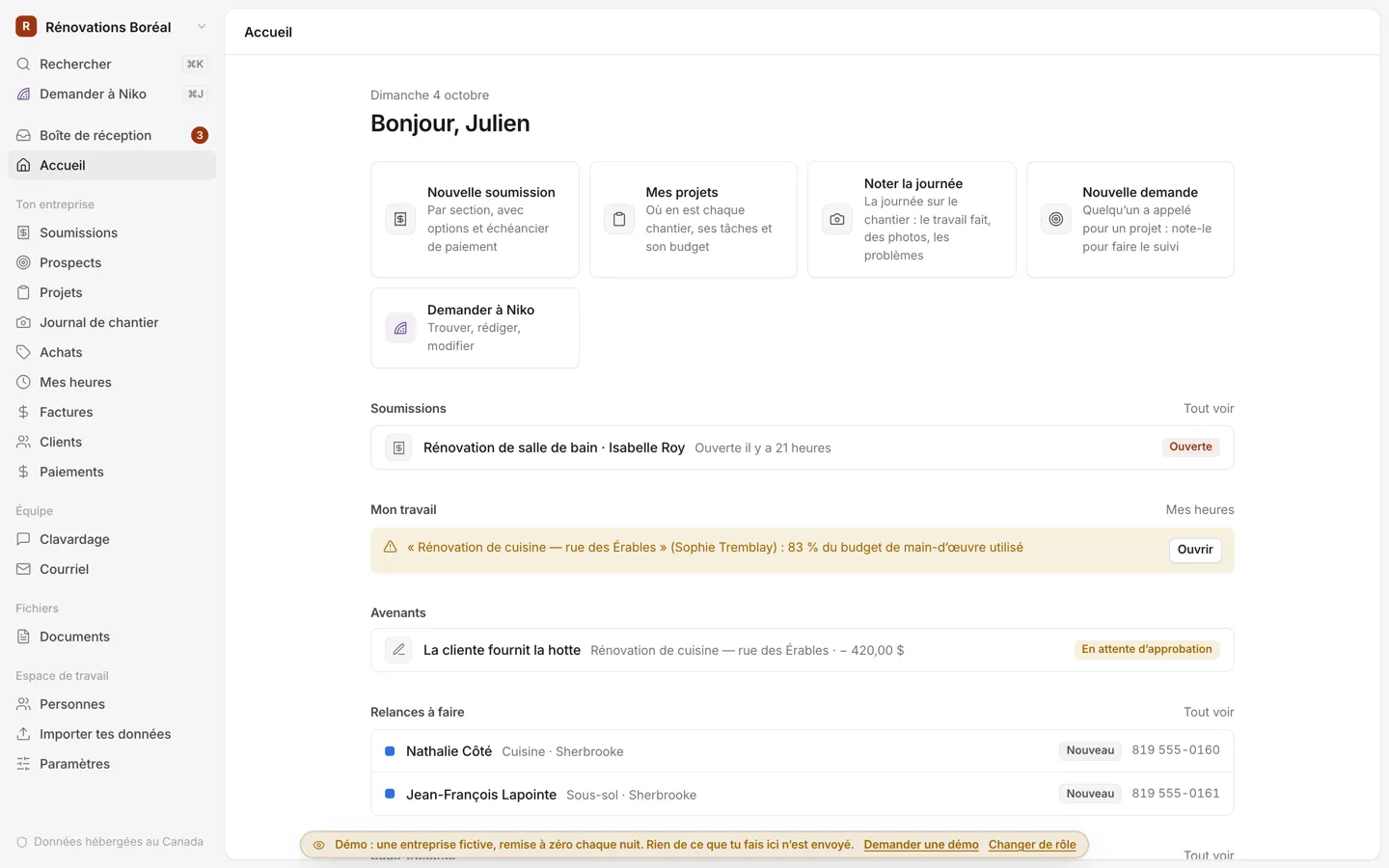
For kitchens, bathrooms, basements, additions and roofing. Your estimate by section is signed online, change orders are approved from the client’s phone, the payment schedule is billed step by step, holdback included, and you see what each job really costs.
What you still do by hand
Estimates are built in Excel, then you chase the signature.
Your estimate by section, with its options, is signed online and becomes the project, with its payment schedule.
Extras are settled with a handshake, then argued over on the invoice.
Each change order has its price, its days and its photos, and the client approves it online before the work.
Receipts and subcontractors’ invoices pile up in the truck.
Snap the receipt, and the cost lands on the right project. You see the budget, the spending and the margin, section by section.
Notices of contract and legal hypothec deadlines come to mind too late.
Notices are recorded per project, and the app reminds you of the 30-day and 6-month deadlines.
From the price request to the last payment
One app for the office and the job site. Nothing to install: it opens in the browser, on a computer or a phone.
Estimates signed online
By section: materials, labour, subcontractors, allowances, and options the client ticks before signing.
Payment schedule and holdback
A deposit at signing, steps billed one by one with GST and QST, the holdback billed after the work is done.
Change orders approved online
An extra or a credit, with its price, its photos and its days. Once approved, it adds to the price and the next invoice.
Purchases and subcontractors
Receipts snapped on the phone, invoices with holdbacks, insurance about to expire. The taxes you paid go on your GST/QST return.
Site journal
The weather, who was there, the work done, photos and issues. You choose which days the client sees.
Job schedule
In working days, skipping Quebec’s statutory holidays and the construction holiday. Your subcontractors get their dates by email.
Legal hypothecs
Notices of contract received, releases, what’s still owed, and reminders before the 30 days and the 6 months run out.
RBQ licences checked
Each subcontractor’s licence checked against the RBQ’s public list, refreshed every week.
What it looks like
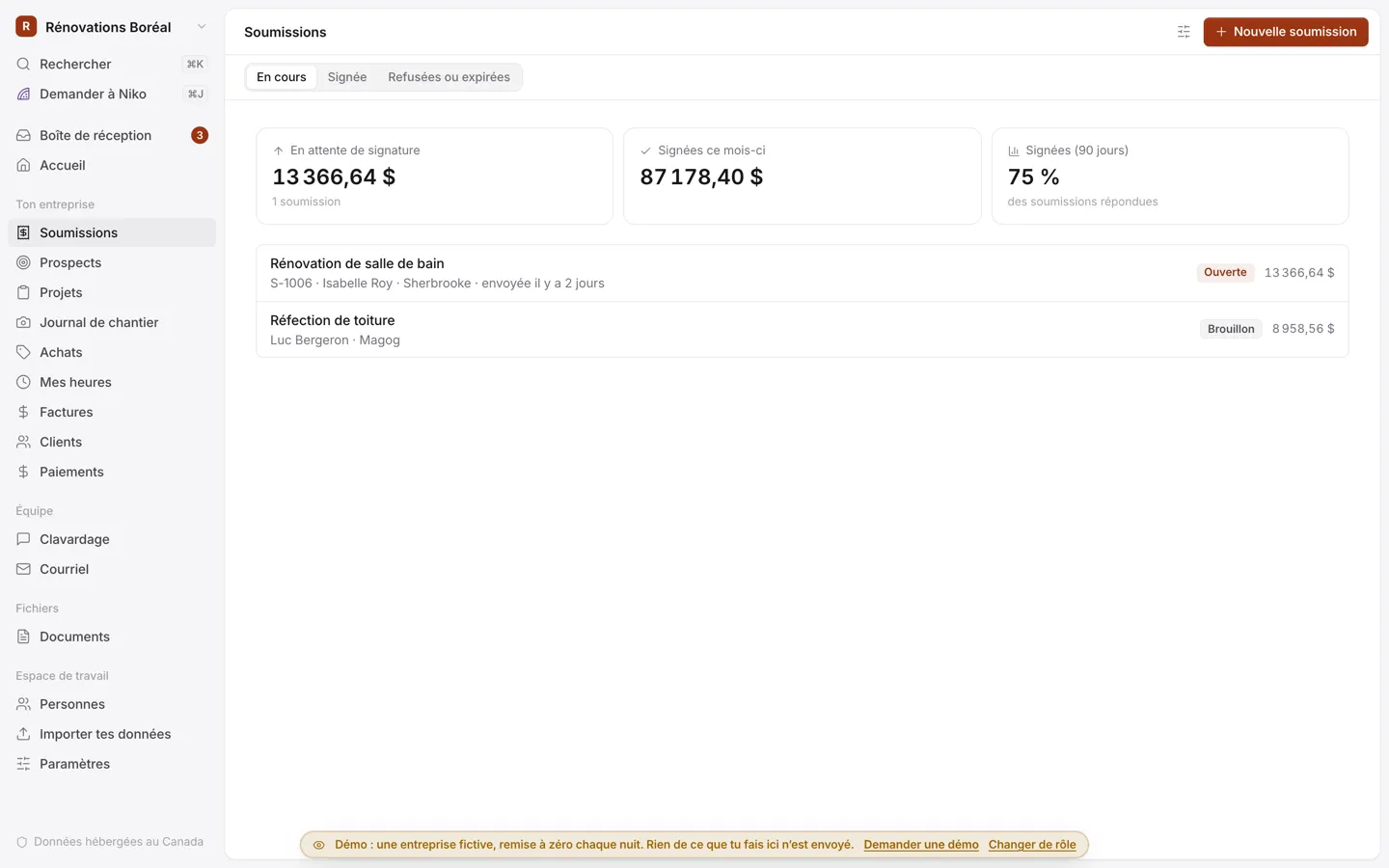
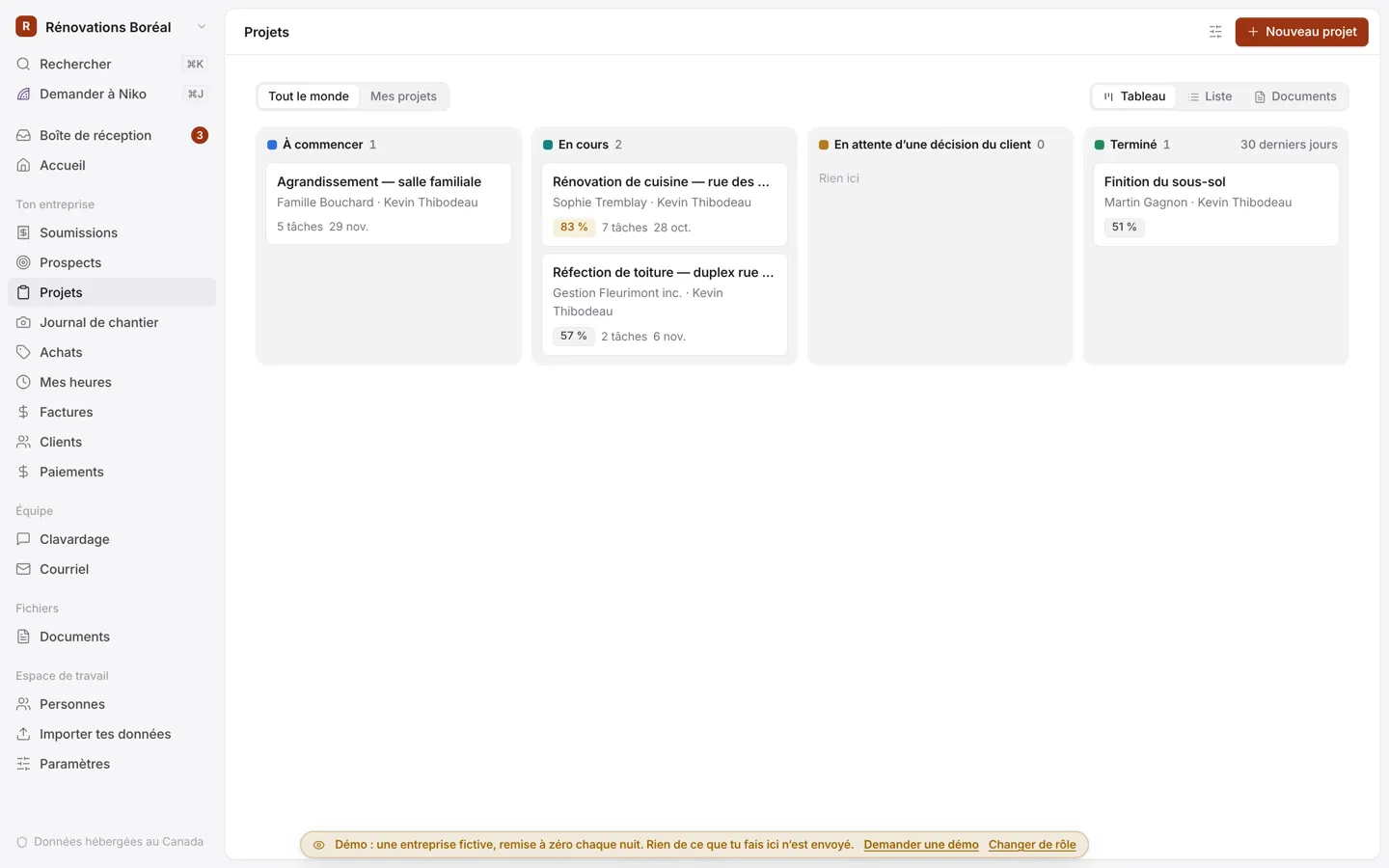
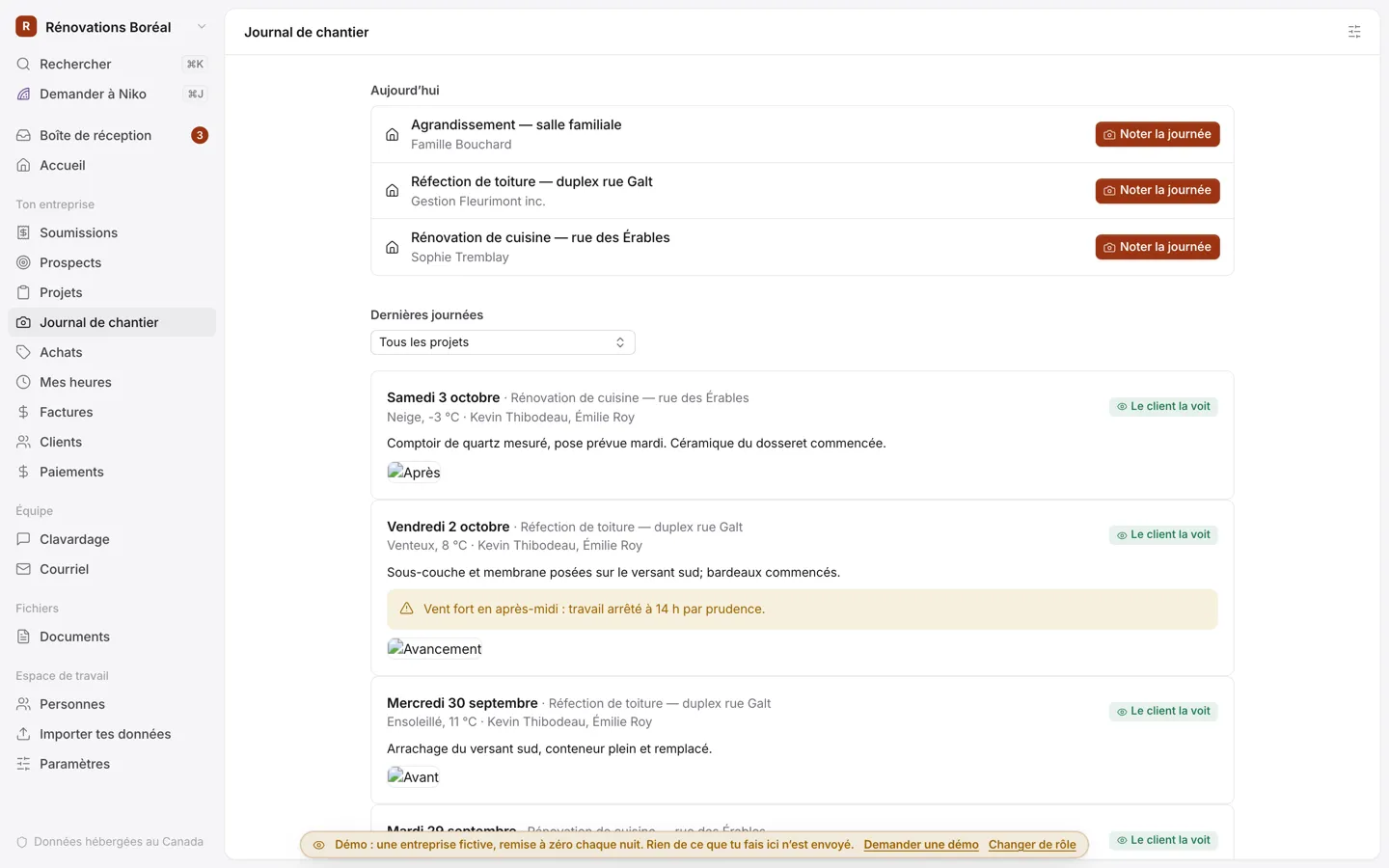
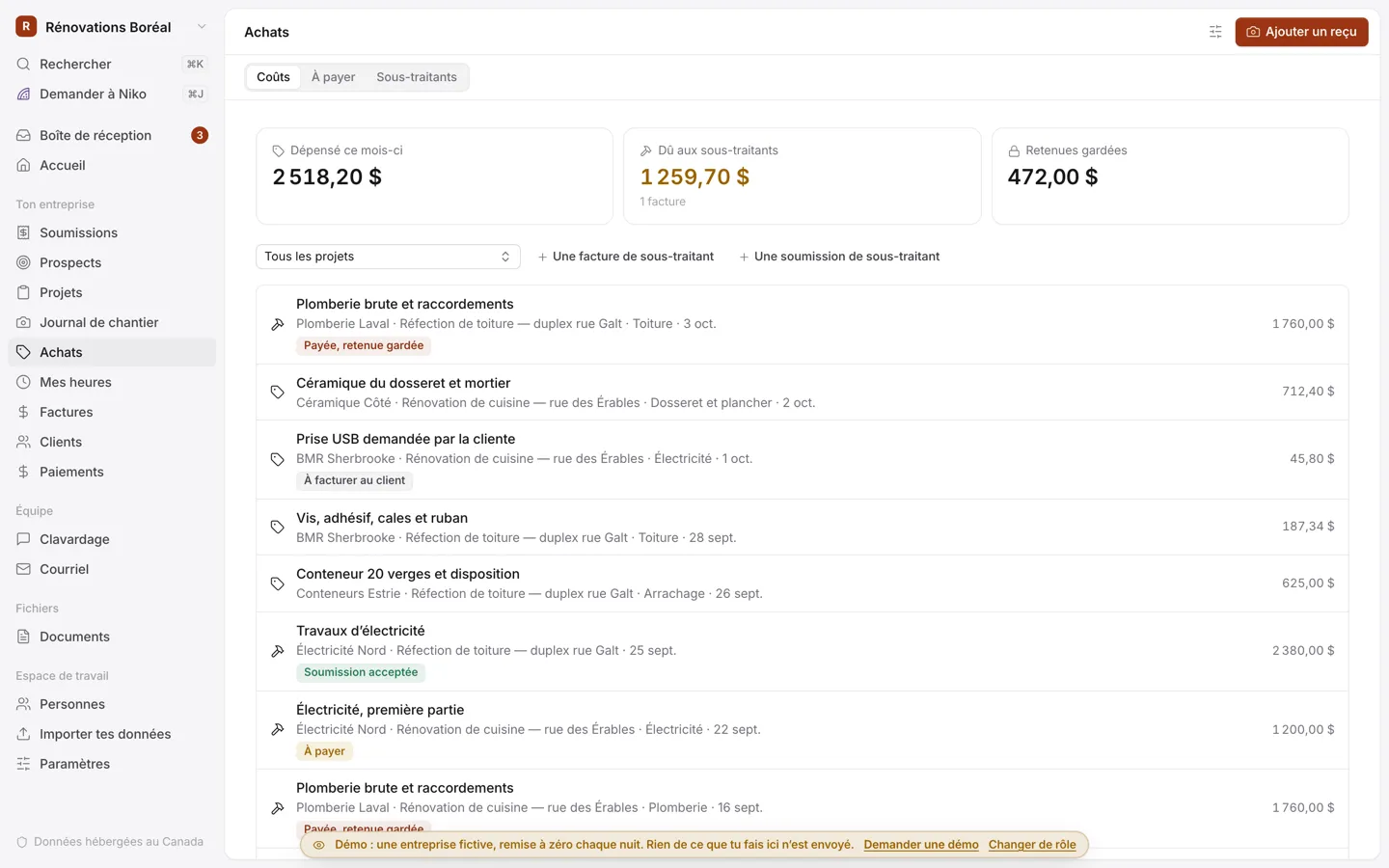
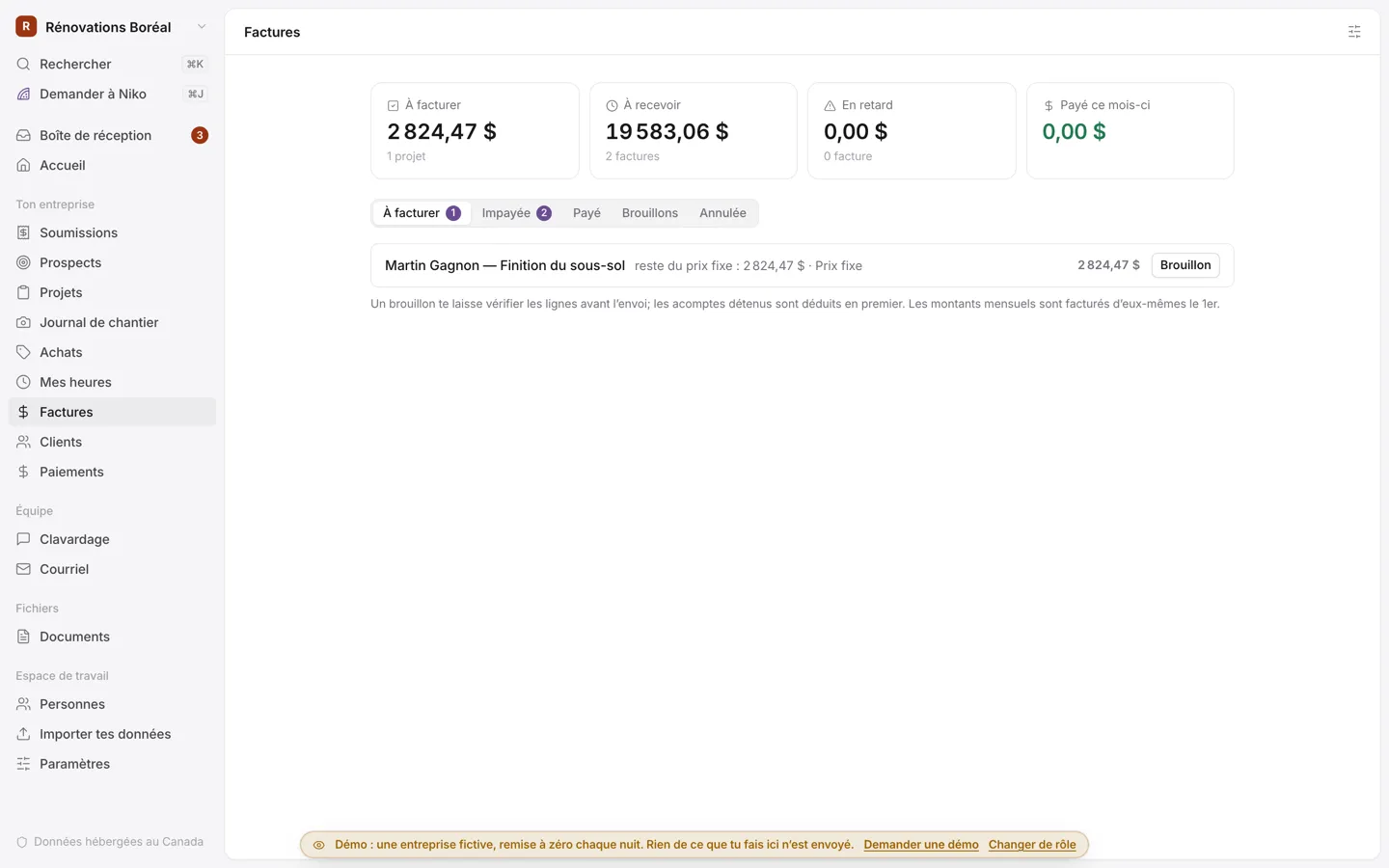
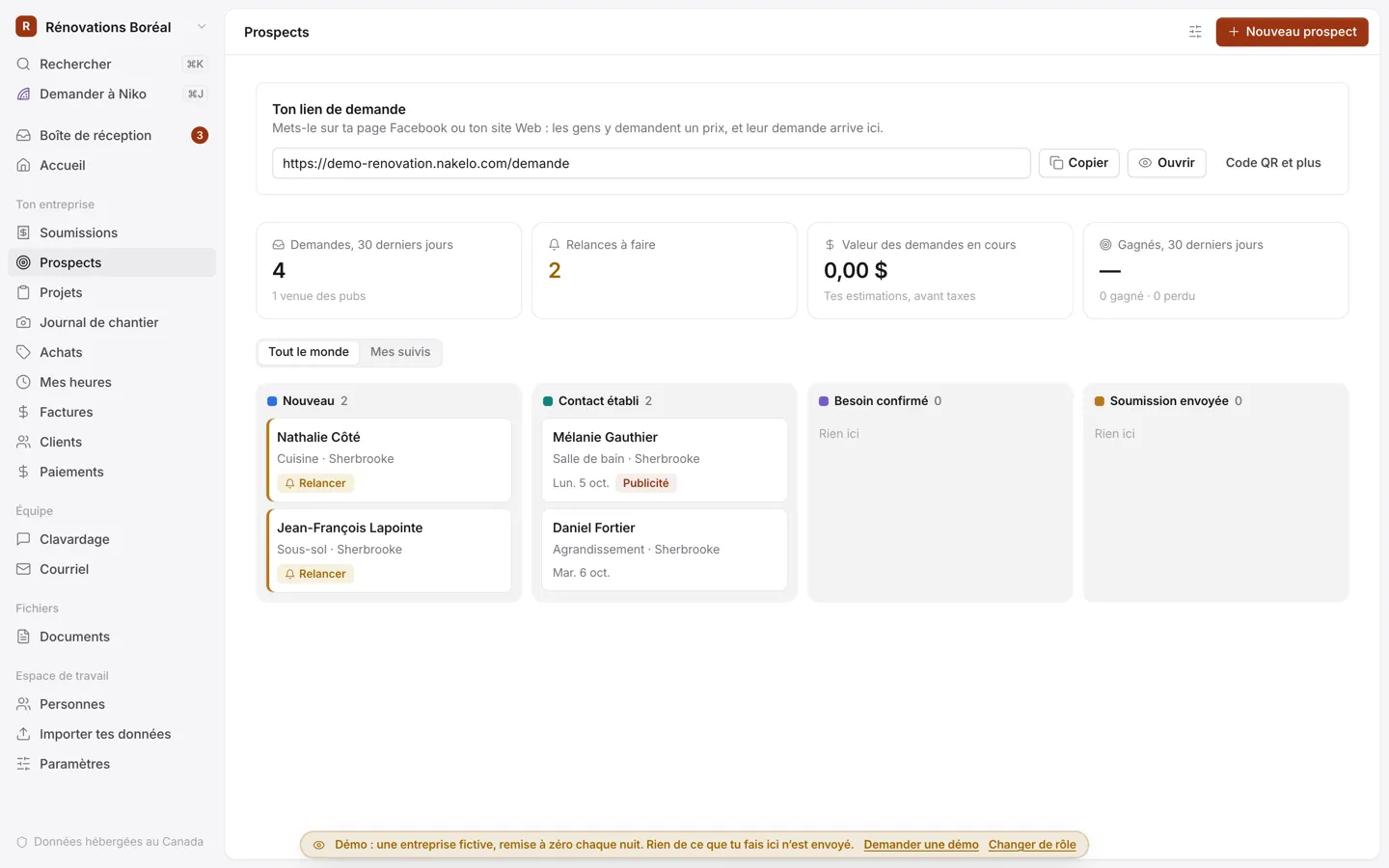
Screenshots of the demo app: the business and the people are made up.
For your clients: their whole project, in one place.
Your clients get their own space in your colours, which they add to their phone’s home screen like an app. They follow their job and answer what you ask them, without digging through your messages.
- They sign the estimate and approve change orders online
- They make their selections (tiles, cabinets, faucets) and see the difference with the allowance
- They follow the site journal, with photos and the before and after
- They pay their steps by card or Interac, and send their warranty requests
How it starts
- 01
You tell us about your business
Your trade, what you do and the size of your team: three quick steps.
- 02
Your app is ready
With your name and your trade’s modules already turned on. Import your customers from an Excel file and invite your team.
- 03
It grows with you
A rule, a field, a report you’re missing: ask for it in your own words. Niko, your AI assistant, makes small changes right away, and a custom module can be built for bigger ones.
$99 a month. 14-day free trial.
Plus taxes, with no setup fee. The subscription covers hosting, updates and your change requests. Requests to Niko, the app’s AI assistant, are extra: usually between a few cents and a few dollars each, on the same invoice, and we let you know when you reach your cap.Recommend Nakelo to another business: you each get $100 of credit once they subscribe.
- Hosted in Canada
- In French and English
- Your data is yours, and you can export it any time
- Tools for Quebec’s Law 25 included
- Card fees go straight to Stripe or Square, in your own account
Frequently asked questions
Does it handle holdbacks and change orders?
Yes. Your estimate’s payment schedule can keep a holdback, billed a number of days after the work is done. Approved change orders add to the price and go on the next invoice. You also keep a holdback on your subcontractors’ invoices.
Does the app help with legal hypothecs?
Yes. You record the notices of contract received from your subcontractors and suppliers, then their releases. The app shows what’s still owed to them and reminds you of the 30-day and 6-month deadlines after the end of the work. It’s a tracking tool, not legal advice: nothing is registered at the land register.
Can I check a subcontractor’s RBQ licence?
Yes, in a second, from the RBQ’s public list, which the app downloads every week. A suspended, cancelled or expired licence is flagged on the subcontractor and on the projects they work on. Your own licence number shows on your estimates and change orders.
Can I import my data from Jobber?
Yes. The app recognises Jobber’s exports: your clients and your invoices already paid. For Buildertrend and JobTread, it shows you what to export for your clients. Projects still under way there start again here from an estimate.
Do my employees and subcontractors need a computer?
Nope. Your crew logs the day, snaps receipts and enters their hours from their phone. Your subcontractors don’t need an account: they get their dates by email and answer your price requests on a page of their own.
Does it track permits and inspections?
Yes. You record each project’s city permits and inspections, with their results. The app reminds you of a permit about to end, a job starting without its permits and tomorrow’s inspection. Applying for the permit is still done with your city.
How much does it cost?
$99 a month, plus taxes, with no setup fee and a 14-day free trial. If you use Niko, the AI assistant, that usage goes on the invoice based on what you use.
A question about your jobs?
Tell us what kind of work you do and how you handle your estimates today. I’ll answer you myself, usually the same day.
Reply within 2 business days.